The best static site hosting in 2026 is Cloudflare if you want a free plan with no bandwidth bill, Static.app if you want to drag in a ZIP and pay one flat price, and GitHub Pages if your site already lives in a public repository. It is for anyone putting plain HTML, CSS and JavaScript online. We checked every price and limit below on the vendors’ own pages in November 2026.
TL;DR
- Best free static hosting overall: Cloudflare (Workers static assets or Pages). Requests to static files are free and unlimited.
- Best for drag-and-drop with a flat price: Static.app. Upload a ZIP, get forms and analytics, no traffic metering, from $5/month billed yearly.
- Best for open-source projects and docs: GitHub Pages. Free in public repositories, but not meant for online stores or SaaS.
- Best for teams that want previews and forms: Netlify. Strong workflow, but the free plan runs on 300 credits a month and sites pause when they run out.
- Best for a CLI with no metering: Surge. Free custom domains and certificates, one command to publish.
- Best for scaling on a cloud you already use: AWS S3 with CloudFront. The new flat-rate CloudFront plans start at $0.
What static hosting is, and what to compare
A static host stores your finished files and sends them to visitors exactly as stored. There is no PHP, no database and no server code running on each request. If you are not sure your project fits, our guide to static vs dynamic websites walks through the difference.
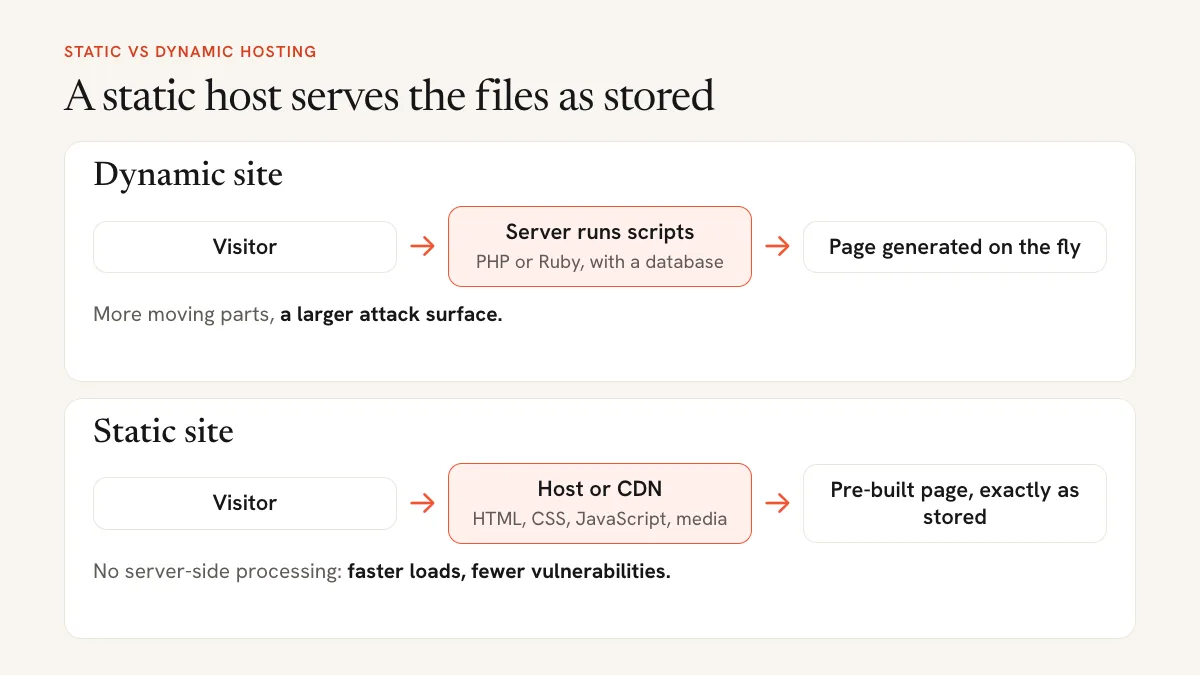
The differences between hosts show up in five places:
- How the free plan ends. No free plan, a bandwidth cap, a paused site when credits run out, or a ban on commercial use.
- How you deploy. Git push, a command-line tool, or dragging a ZIP into the browser.
- How usage is billed. Flat monthly price, per GB of bandwidth, or credits shared across deploys, bandwidth and requests.
- Custom domain and SSL. A few hosts only allow your own domain on paid plans.
- Extras. Form handling, analytics, password protection and redirects.
If you are still deciding between static hosting, shared hosting and a site builder, start with our guide on how to host a website.
Best static website hosting in 2026 at a glance
| Host | Best for | Free plan | Paid from | Bandwidth / limits | Deploy method | Custom domain + SSL | Forms |
|---|---|---|---|---|---|---|---|
| Cloudflare | Free hosting at any traffic level | Yes | $5/mo per account (Workers Paid) | Static requests free and unlimited; 20,000 files, 25 MiB per file | Git, CLI, drag and drop (Pages) | Yes, free | No built-in forms |
| Static.app | Drag-and-drop sites, flat price | No, 7-day trial | $6/mo, or $5/mo yearly | Unlimited traffic; 500 MB storage on Starter | Upload, Mac app, API, GitHub Action, MCP | Yes, paid plans | Yes, paid plans |
| GitHub Pages | Open-source projects, docs | Yes, public repos | Paid GitHub plan for private repos | 1 GB site, 100 GB/mo soft bandwidth | Git | Yes, free | No |
| Netlify | Previews, forms, team workflow | Yes, 300 credits/mo | $9/mo | 20 credits per GB, 15 per production deploy | Git, CLI, drag and drop | Yes, free | Yes, free on credit plans |
| Vercel | Framework projects | Yes, non-commercial only | $20/mo | 100 GB transfer, 1M CDN requests on Hobby | Git, CLI, drag and drop | Yes, free | No built-in forms |
| Firebase Hosting | Apps already on Firebase | Yes | Pay as you go | 10 GB storage, 360 MB/day transfer free | CLI | Yes, free | No |
| AWS S3 + CloudFront | Teams already on AWS | Yes, flat-rate Free plan | $15/mo per distribution | 100 GB transfer, 1M requests, 5 GB S3 on Free | Console, CLI | Yes, TLS included | No |
| Surge | Command-line publishing | Yes | $30/mo | No bandwidth billing; 450 MB per project | CLI | Yes, free | No |
| Neocities | Personal and hobby sites | Yes | $5/mo | 1 GB storage, 200 GB bandwidth free | Browser editor, CLI | Supporter plan only | No |
The 9 best static site hosts in 2026
1. Cloudflare: best free static hosting
Cloudflare serves static sites from its own global network. There are two ways in. Pages is the older product. Cloudflare’s Pages docs now say to start new projects with Workers, which serves static assets alongside optional server code. For a plain HTML site, either works.
The main draw is cost. Cloudflare’s Workers pricing page says requests to static assets are free and unlimited, and the Pages product page says all plans include unlimited sites, requests and bandwidth. You pay only for server code beyond 100,000 requests a day.
- Deploy from Git, with the Wrangler CLI, or by dragging a folder into the Pages dashboard (Direct Upload).
- Free SSL and up to 100 custom domains per Pages project on the Free plan.
Pricing: Free for static files. Workers Paid starts at $5/month per account and adds 10 million requests and 30 million CPU milliseconds for server code.
Limitations: 20,000 files per site on the free plan and 25 MiB per file. No built-in form handling, so a contact form means writing a Worker or using a third-party service. The dashboard is a lot for someone who only wants a page online.
Good for: developers and technical users who want free hosting that will not bill them for a traffic spike.
2. Static.app: best for drag-and-drop hosting with a flat price
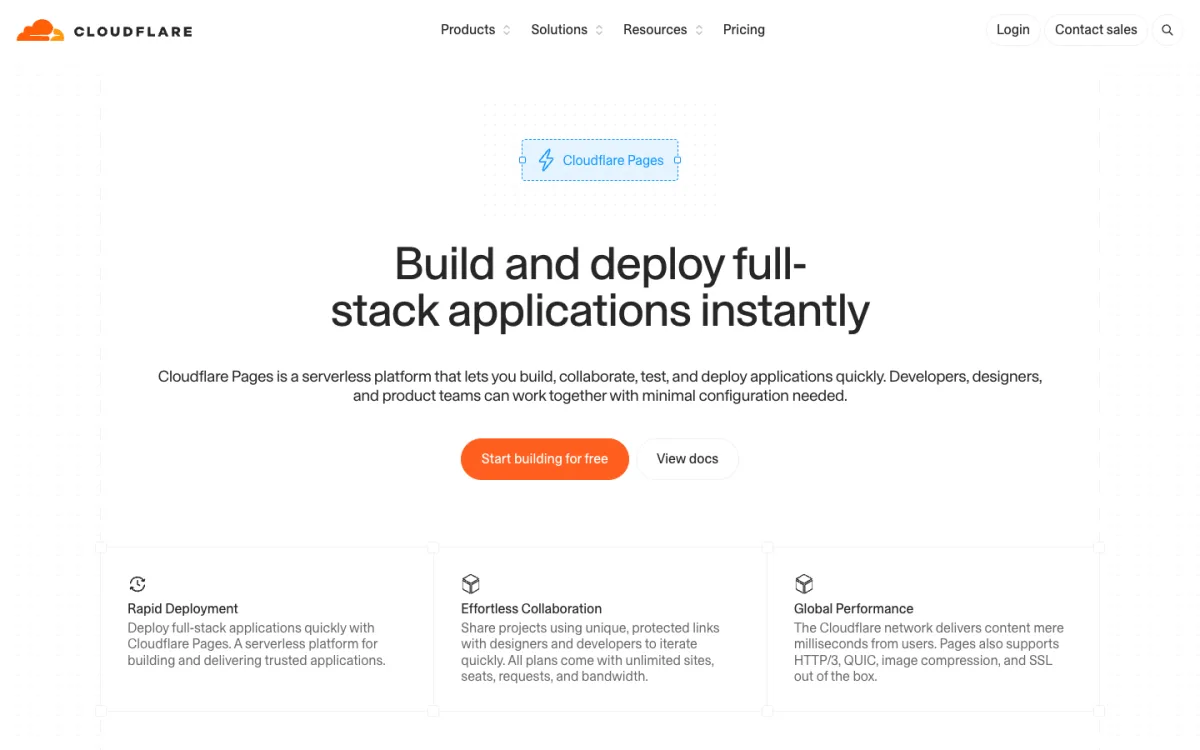
Static.app is built for people who have a folder of HTML files and do not want Git, a terminal or a build pipeline. You drag a ZIP into the browser and the site is live on a subdomain, then you point your own domain at it. It also publishes from a Mac desktop app, a REST API, a GitHub Action and AI coding agents through an MCP connector.
Its pricing is the simplest in this list: every paid plan lists unlimited traffic, with no credits or per-GB charges. Paid plans include form submissions (add a static-form attribute to your form), cookie-free analytics, short links, QR codes and an in-browser code editor.
- Starter: 2 websites, 500 MB storage, custom domains, forms, analytics.
- Medium: 7 websites, 3 GB storage, 1 team seat.
- Large: 30 websites, 10 GB storage, 3 team seats, 3 backup slots (daily snapshots, 365 versions kept).
Pricing: Starter $6/month, Medium $12/month, Large $18/month. Paid yearly, they work out to $5, $10 and $15 a month ($60, $120 and $180 a year). Extra storage starts at $5/month for 1 GB, and extra websites at $4/month each.
Limitations: There is no permanent free plan. The 7-day trial covers 1 website, 50 MB of storage and a free subdomain only, so a custom domain needs a paid plan. It is static only: server code such as PHP, Node or Python does not run, and there is no database. There is no Git-connected build pipeline like Netlify or Vercel, so you build locally (or in CI) and upload the output. Storage is tight on Starter at 500 MB. Cloudflare, Netlify and GitHub Pages are better if you need free hosting or builds on every push.
Good for: freelancers, designers, small businesses and anyone hosting AI-generated HTML who wants a site online in a minute, with a form and a custom domain, at a price that does not move with traffic.
3. GitHub Pages: best for open-source projects and docs
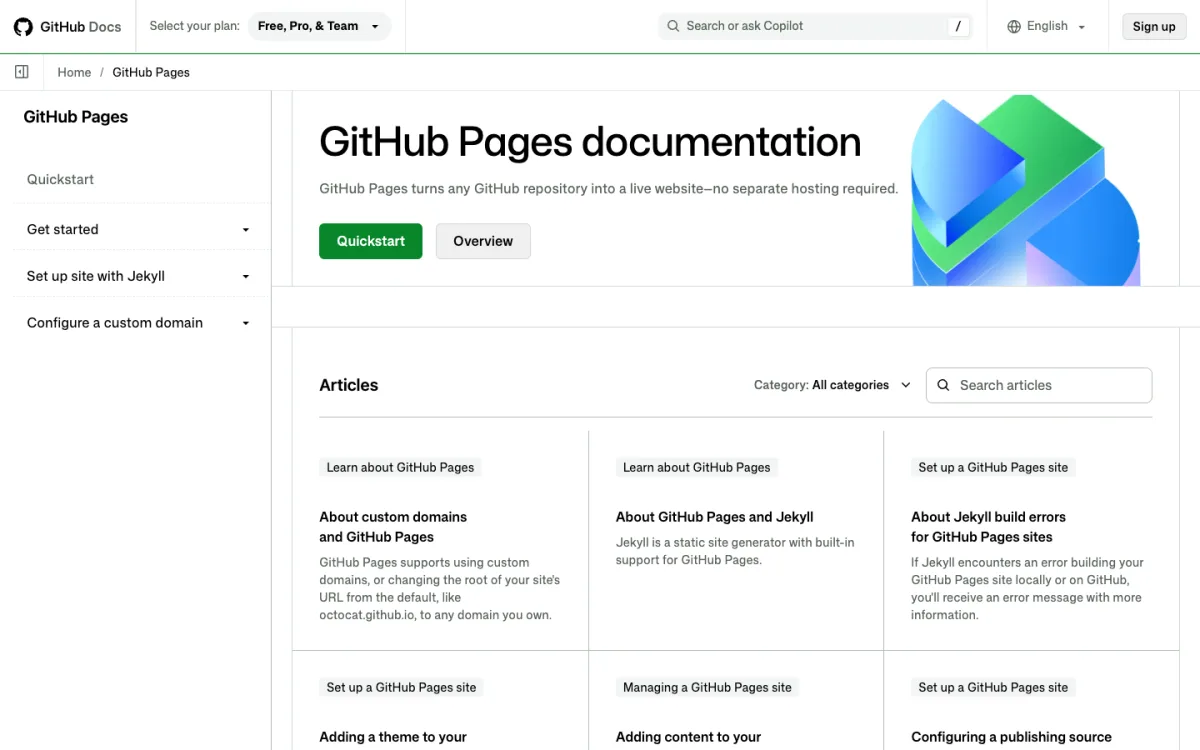
GitHub Pages publishes HTML, CSS and JavaScript straight from a GitHub repository, optionally through Jekyll or a GitHub Actions workflow.
- Free on public repositories with GitHub Free.
- Custom domains with HTTPS.
- One user or organization site per account, plus one project site per repository.
Pricing: Free for public repositories. Publishing from private repositories needs a paid GitHub plan such as Pro or Team (Team is $4 per user per month).
Limitations: GitHub’s usage limits say Pages is not intended for running an online business, an ecommerce site, or a site mainly aimed at commercial transactions or SaaS. Published sites can be no larger than 1 GB, bandwidth has a soft limit of 100 GB a month, and builds have a soft limit of 10 per hour (unless you deploy with your own Actions workflow). There is no form handling. You need to be comfortable with Git.
Good for: project pages, documentation, personal sites and portfolios that live next to their code.
4. Netlify: best for previews and built-in forms
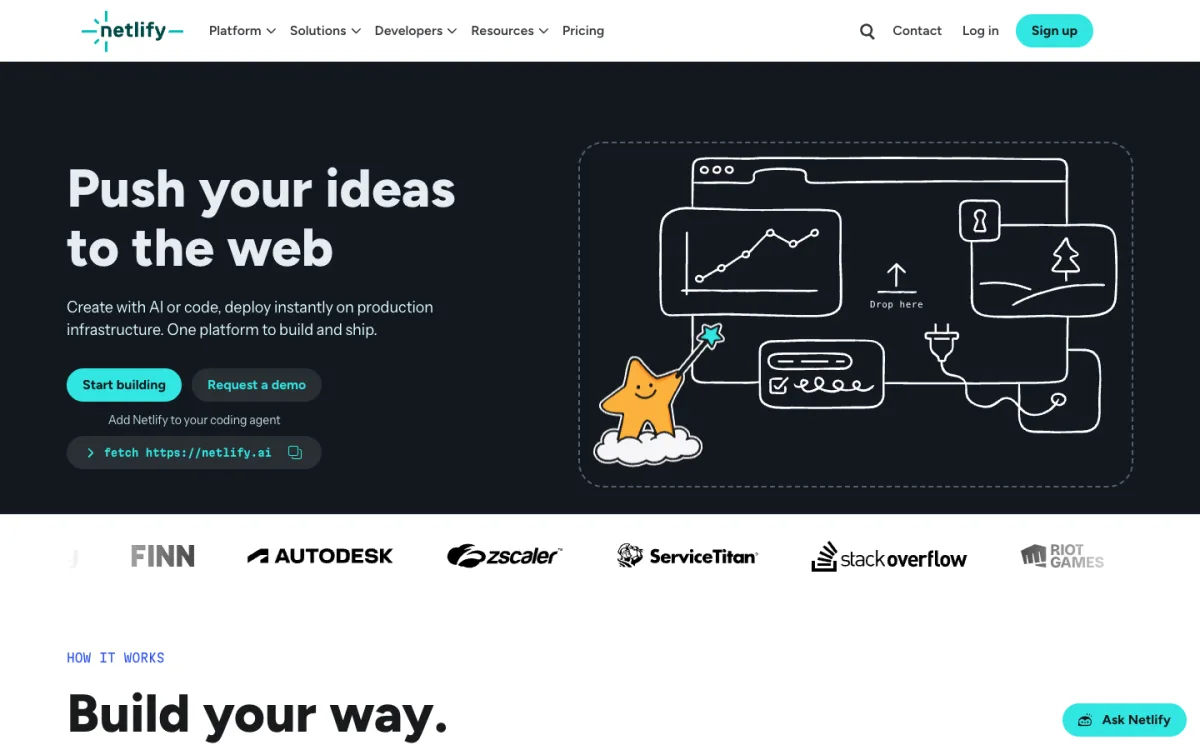
Netlify connects to a Git repository, builds your site on every push and gives each pull request its own preview URL. The CLI and Netlify Drop (drag and drop) also work.
Netlify’s docs say Forms are free and unlimited on the credit-based plans, so a contact form needs no extra service.
Pricing: Free gives 300 credits a month as a hard limit. Personal is $9/month with 1,000 credits. Pro is $20/month with 3,000 credits and unlimited members. A production deploy costs 15 credits, bandwidth costs 20 credits per GB, and web requests cost 2 credits per 10,000. On the free plan that is roughly 15 GB of bandwidth with nothing else, or 20 production deploys with no traffic, not both. Accounts created before September 4, 2025 can stay on legacy plans.
Limitations: When credits run out, Netlify’s pricing FAQ says the site is paused until the next billing cycle, and if one project exceeds its limits, all projects on the account pause. Visitors see a “Site not available” page. Our guide to Netlify alternatives covers hosts that read the same _redirects file.
Good for: teams that want deploy previews, forms and functions in one place, and can keep an eye on credits.
5. Vercel: best for framework projects
Vercel is built around frameworks like Next.js but serves plain static files too. It deploys from Git with automatic previews, from the CLI, or through Vercel Drop, which takes a file, folder or ZIP dragged into the browser.
- Hobby includes 100 GB of fast data transfer and 1 million CDN requests a month.
- A web application firewall and DDoS mitigation on the free Hobby plan.
Pricing: Hobby is free. Pro is $20/month and includes $20 of usage credit, a flat-rate CDN with traffic spike protection, and team features. Password protection on Pro costs $20/month per project.
Limitations: Vercel’s terms say the Hobby plan may only be used for personal or non-commercial use, so a client or business site needs Pro. No built-in form handling. If the commercial rule or the Pro price is a problem, see our list of Vercel alternatives.
Good for: developers building with Next.js or another framework who want previews and serverless functions next to their static pages.
6. Firebase Hosting: best for apps already on Firebase
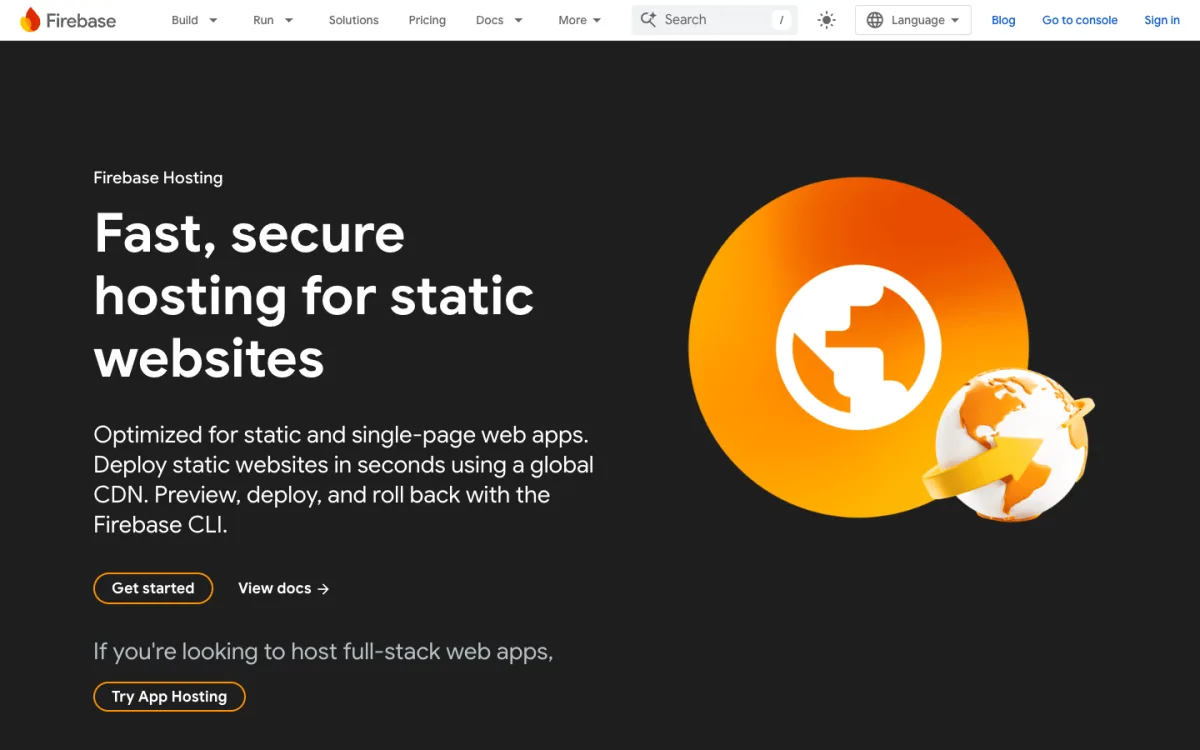
Firebase Hosting is Google’s static and single-page app host. You deploy with the Firebase CLI and can preview and roll back releases.
Pricing: The no-cost plan includes 10 GB of storage and 360 MB of data transfer per day (about 10.8 GB a month). On the pay-as-you-go Blaze plan, extra storage is $0.026 per GB and extra transfer is $0.15 per GB. Custom domains with SSL and multiple sites per project are on both plans.
Limitations: The free transfer allowance is the smallest in this list, and paid usage is metered. Deploys go through the CLI, with no drag-and-drop upload. No form handling.
Good for: single-page apps whose backend already runs on Firebase.
7. AWS S3 + CloudFront: best for teams already on AWS
The classic AWS setup puts your files in an S3 bucket behind the CloudFront CDN. CloudFront now has flat-rate plans that bundle the CDN, DNS, a TLS certificate and a monthly S3 storage credit, with no overage charges.
Pricing: The flat-rate Free plan is $0 per distribution and includes 100 GB of data transfer, 1 million requests and 5 GB of S3 storage a month. Pro is $15/month per distribution with 50 TB of transfer, 10 million requests and 50 GB of S3 storage. If you prefer a Git-based workflow on AWS, Amplify Hosting is pay as you go: $0.15 per GB served and $0.023 per GB stored after the free allowances.
Limitations: Setup takes more steps than any other host here: a bucket, a distribution, permissions, DNS and a certificate. No form handling.
Good for: teams that already run infrastructure on AWS and want static sites under the same account and billing.
8. Surge: best for command-line publishing
Surge has published static folders from the terminal since 2014. Install it with npm, run surge in your build folder, and the site is live.
- Unlimited projects and custom domains on the free plan, with certificates issued and renewed automatically.
- Previews and the last 100 revisions with rollback on every plan.
Pricing: Free. Pro is $30/month per account and adds password protection and redirects or rewrites. Surge’s pricing page says there is no bandwidth billing and no overage charge.
Limitations: Command line only, with no dashboard upload. Projects are capped at 450 MB and 10,100 files. Publishing is rate limited (30 publishes per domain per 15 minutes), though a limit never takes a live site offline. No forms or analytics.
Good for: developers who live in the terminal and want free hosting with a custom domain and nothing to configure.
9. Neocities: best for personal and hobby sites
Neocities is a free, ad-free host with a community feel. You edit files in the browser or use its CLI.
Pricing: Free includes 1 GB of storage, 200 GB of bandwidth, a neocities.org subdomain with SSL and a global CDN. The Supporter plan is $5/month and raises that to 50 GB of storage and 3,000 GB of bandwidth. Neocities calls these soft limits and says temporary surges are fine.
Limitations: Custom domains, multiple sites, WebDAV and SFTP uploads are Supporter features. Free accounts have file type restrictions and a stricter Content Security Policy. No forms.
Good for: personal sites, fan pages, learning HTML and anyone who likes the old web.
Which static site host should you choose?
- You want free hosting and know Git or a terminal: Cloudflare. No bandwidth bill on static files.
- You have a ZIP or a folder and no Git: Static.app. Forms and analytics included, $5 to $6 a month after the 7-day trial.
- Your code is in a public GitHub repo: GitHub Pages, as long as the site is not a store or a SaaS product.
- You need deploy previews and a contact form with no extra service: Netlify, if you are fine watching credits.
- You build with Next.js for a client: Vercel Pro. Hobby is for personal, non-commercial use.
- You already use Firebase or AWS: stay there.
- It is a personal page or a hobby project: Neocities or Surge, both free.
FAQ
What is the best free static site hosting?
For most technical users, Cloudflare. Requests to static assets are free and unlimited, and you get free SSL and custom domains. GitHub Pages, Surge and Neocities are also free, with the limits listed above.
Can I use free static hosting for a business site?
Check the terms first. Vercel’s Hobby plan is limited to personal or non-commercial use. GitHub says Pages is not meant for running an online business, an ecommerce site or SaaS. Other hosts set their own rules, so read the terms of the plan you pick.
Do I need Git to host a static website?
No. Static.app, Netlify Drop, Vercel Drop and Cloudflare Pages Direct Upload all accept files dragged into the browser. Static.app is built around that workflow. Git helps when you want builds on every push.
Why did my Netlify site stop working?
On Netlify’s credit-based plans, sites pause when the monthly credit balance runs out, and every project on the account pauses if one exceeds its limits. Visitors see a “Site not available” page until the next billing cycle or until you upgrade.
Can a static site have a contact form?
Yes, if the host processes the submission or you add a form service. Netlify Forms is free on its credit-based plans, and Static.app includes forms on its paid plans. On Cloudflare, GitHub Pages, Vercel, Firebase, AWS, Surge and Neocities, you need a third-party form backend or your own server code.
Is Static.app free?
No. Static.app has a 7-day free trial with no credit card, covering 1 website, 50 MB and a free subdomain. After that, plans start at $6/month, or $5/month billed yearly, with unlimited traffic and a custom domain.